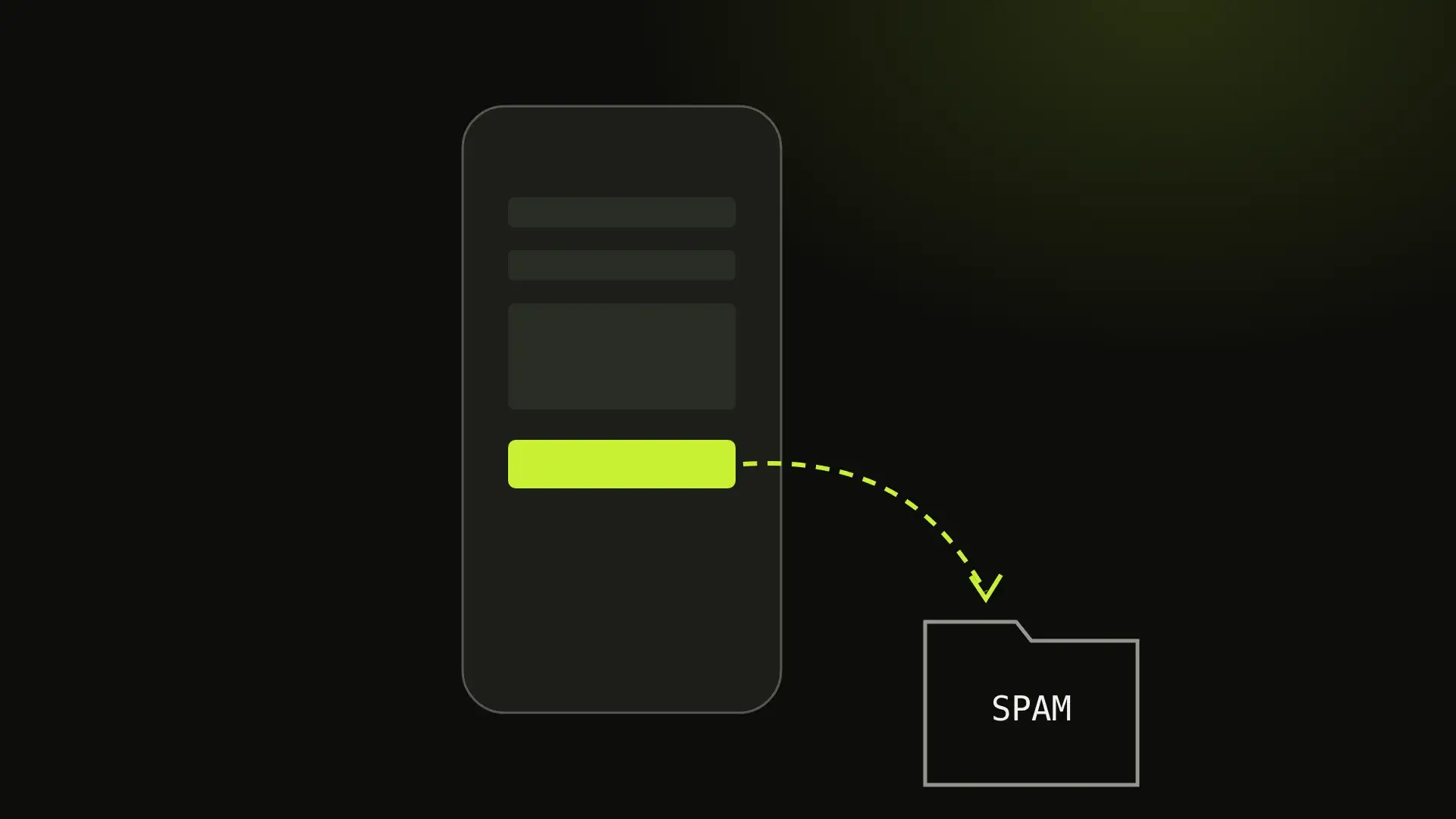
What an applicant tracking system really does to your CV
The famous statistic is made up, the software mostly does not reject anyone, and the things that actually lose you the interview are dull. Here they are.
Short answer
An applicant tracking system is mostly a database with a workflow: it parses your CV into fields for recruiters to search, and generally does not score or auto-reject it. Automatic rejection mainly comes from knockout questions. What matters is a CV that parses cleanly, in one column with contact details in the body, using the job ad's words.

Search for advice about applicant tracking systems and you will be told, confidently and everywhere, that around 75% of CVs are rejected by robots before a human sees them. The number has no traceable source. It gets repeated because it sells a product — usually a subscription that promises to “beat the ATS” — and because it is frightening enough to be memorable.
The reality is duller and more useful. Most of the time the software is not judging you at all. Knowing what it actually does changes what you should spend your effort on, and it is mostly not what the advice articles say.
What does an applicant tracking system actually do?
An applicant tracking system is, first and foremost, a database with a workflow attached. When you apply, it stores your application, parses your CV into structured fields — name, employers, dates, education, skills — and puts you in a pipeline that a recruiter moves you through.
It is a filing cabinet, not a judge. There is generally no score, no grade and no automatic rejection based on how well your CV “matches”. A recruiter opens the system, searches it, and reads what comes back.
There are two real exceptions, and they are worth knowing precisely because they are automatic:
- Knockout questions. The form questions before the upload — do you have the right to work here, do you have this licence, how many years of X. Answer one of those the wrong way and you can genuinely be filtered out mechanically. This is where automatic rejection actually lives, and almost nobody talks about it.
- Search. If a recruiter searches for “SolidWorks” and your CV says “3D CAD”, you are in the database and you will not be in the results. That is not rejection; it is worse, because nobody knows it happened.
So the two things that matter are being parsed correctly and containing the words someone will search for. Everything else is decoration.
Where parsing actually goes wrong
Parsers have got much better, and most of the advice about them is a decade out of date. These are the failures that still happen:
Two columns. The single most common one. The parser walks the document in reading order, and a two-column layout gives it your job titles interleaved with your skills list. A sidebar with your contact details is the classic version: the parser reads a line of the sidebar, then a line of the main column, and produces nonsense.
Text inside an image. A CV exported as a picture, or with your name in a graphic header, parses as a document with no name in it. Rarer than it used to be, still fatal.
Contact details in the page header or footer. Some parsers read the document body and skip the header/footer region entirely, so your phone number simply is not in the record. Put contact details in the body of the first page.
Tables for layout. Tables used to hold a date on the left and a role on the right are read column by column, and your dates end up detached from the jobs they belong to.
Ambiguous dates. Write months, not just numbers. 03/04/2024 is March in the US and April in Britain, and a parser that guesses wrong will show a gap or an overlap in your history that you will never get to explain.
None of that is exotic. It is why a plain single-column layout — like the one our CV and resume maker produces — outperforms a designed one at this specific stage, and why the designed one is still the right choice when a human is receiving it directly.
Should you send your CV as a PDF or a Word file?
The genuinely contested question, so here is the honest answer rather than a confident one.
Follow the job ad. If it names a format, that is the answer and nothing else matters.
If it does not: PDF is fine now in mainstream systems and has the advantage that it looks the same everywhere, which matters once a human opens it. .docx remains the safest bet with older or more obscure systems, because it is the format parsers were built around. What you should avoid is a PDF exported as an image, anything exotic like Pages or ODT, and — a real trap — a Google Docs sharing link instead of a file.
A quick test that settles it for your own document: open your PDF, select all, copy, and paste into a plain text editor. What you see is roughly what the parser sees. If your name is missing, your columns are interleaved, or your dates have wandered away from your jobs, fix that before you worry about anything else in this article.
Keywords, without the nonsense
Since recruiters search the database, your CV needs to contain the words they will search for. That is the entire legitimate basis of “keyword optimisation”, and it does not require a subscription.
Use the job ad’s vocabulary. If it says “stakeholder management”, write “stakeholder management”, not “worked with lots of teams”. If it says “React”, the word React should appear. This is not gaming anything — it is answering in the language the question was asked in.
Write both the word and the acronym, once. “Search engine optimisation (SEO)” catches a search for either. Same for CPA, PMP, AWS, CRM.
Put skills in context as well as in a list. A skills section is searchable, but a bullet that says what you did with the skill is what survives the human read two minutes later.
And the things that actively hurt:
- White text keyword stuffing. Hidden words in white-on-white or 1pt type. Parsers strip formatting, so the recruiter sees a wall of nonsense words in the extracted text. It reads as an attempt to cheat and it ends the application.
- Keyword lists nobody could believe. Sixty technologies at “expert” level tells a reader you are not a reliable narrator.
- Contorted phrasing to fit a term in. Getting found and then reading badly is not a win.
What to actually spend your time on
In order:
- Answer the application questions correctly and completely. This is where automatic rejection genuinely occurs. Do not rush it to get to the CV upload.
- Make the document parse. One column, contact details in the body, months in dates, real text. Do the copy-paste test.
- Mirror the job ad’s language for the things you genuinely have. Not all of them — the ones that are true.
- Write bullets that say what happened. “Cut checkout drop-off from 68% to 51% over two months” beats “responsible for improving conversion”. This one matters for the human, which is who actually decides.
- Then, if you like, make it look good — for the version you send directly to a person, where design helps and no parser is involved.
The software is not the adversary it is sold as. It is a filing system with a search box, and the winning move is to be filed correctly and to use the words someone will type. That is the entire secret, and it is free.
Our CV and resume maker builds the parseable version — single column, real text, no photo, page counter — free, with no sign-up, and nothing you type ever leaves your browser.
Written by Ahsan “Max” Faraz, Maxverse Lab
A fixed quote before we start. We reply within 24 hours.