What a website actually needs before launch
A pre-launch list built on one test: is this cheap now and expensive later? Everything that fails that test can wait until after you are live.
Short answer
Before launch, a website needs only what is cheap to fix now and expensive later: the domain, hosting, analytics and code in your own name, 301 redirects from old URLs, analytics and Search Console recording, a contact form tested end to end, and HTTPS, a sitemap and a robots.txt that does not block crawlers.

Most pre-launch checklists you will find are just a list of everything a website has, which is not useful — it tells you to check the copy, the images, the links, the forms, the SEO, and leaves you no way to decide what actually blocks a launch.
Here is a more useful test, and it is the only one we apply:
Is this cheap to fix now and expensive to fix later?
If yes, it blocks the launch. If it can be changed in five minutes next Tuesday with nobody harmed, it does not, no matter how visible it is. A typo on the about page is embarrassing and free to fix. A missing redirect map is invisible and can cost you a year of rankings. Only one of those is a launch blocker, and it is not the one people notice.
So this list is ordered by what it costs you to have skipped it.
1. Own your own accounts
This is first because it is the only item on the list that can hold your entire business hostage, and it costs nothing to get right at the start.
Before launch, confirm that you — the business, not the agency, not a freelancer’s personal Gmail — are the registered owner of:
- The domain. At the registrar, in your name, on your billing card.
- Hosting and DNS, or at minimum an admin account of your own.
- Analytics and Search Console, as an owner rather than a viewer.
- The code, in a repository your account controls.
- Store and payment accounts, if you sell.
We put this in writing on every build: repositories and developer accounts are in the client’s name from the start, not transferred later as a favour. The reason is not generosity. A domain registered under a developer who has stopped replying is one of the few web problems with no technical fix — you cannot code your way out of it, and recovering a domain from an uncooperative registrant is slow, expensive, and sometimes impossible.
Ask the question before launch, when the answer is easy to change. “Who is the registrant on the domain?” If nobody can answer it in a minute, that is your answer.
2. A redirect map, if anything existed before
Only applies to a redesign or a migration, and on those it is the single most expensive thing to skip.
Every URL that currently exists and ranks needs to point somewhere sensible on the new site — a 301, permanently, to the closest equivalent page. Miss this and every one of those pages returns a 404. The rankings they held, the links other sites pointed at them, and the traffic they earned all reset, and you get to rebuild that from zero over months.
The version that catches people out: it is not just your main pages. Old blog posts, product URLs, category pages, and anything with a query string someone linked to. Pull the actual list from Search Console and your server logs rather than from memory, because memory reliably misses the long tail, and the long tail is most of it.
There is no way to do this properly after launch, because by then you have lost the old site’s URL list unless someone saved it. Do the audit before anything moves.
3. Analytics running before you launch, not after
If you install analytics the week after launch, you have permanently lost the ability to say whether the new site is better than the old one. There is no baseline to compare against, and “it feels busier” is not a measurement.
Get tracking live on the old site, if there is one, for long enough to have a normal month. If there isn’t one, get it live on the new site before you announce anything, so day one is in the data.
Two things worth wiring while you are in there, because they are much more annoying to retrofit:
- Conversion events, not just pageviews. A form submission, a phone tap, a WhatsApp click. Pageviews tell you people arrived; conversions tell you whether the site did its job.
- Search Console, verified, with the sitemap submitted. This is where you find out what people actually search to reach you, and it is the only place you see real Core Web Vitals from real visitors rather than a simulated phone in a data centre.
4. Test the contact path end to end, as a stranger
Not “the form looks right”. Actually submit it, from a device that is not yours, on a connection that is not your office, with an email address that is not the company’s.
Then confirm all three of these, because they fail independently:
- The message arrives.
- It arrives where a human will see it — not a shared inbox nobody opens, not a spam folder.
- Replying works, and the reply comes from the right address.
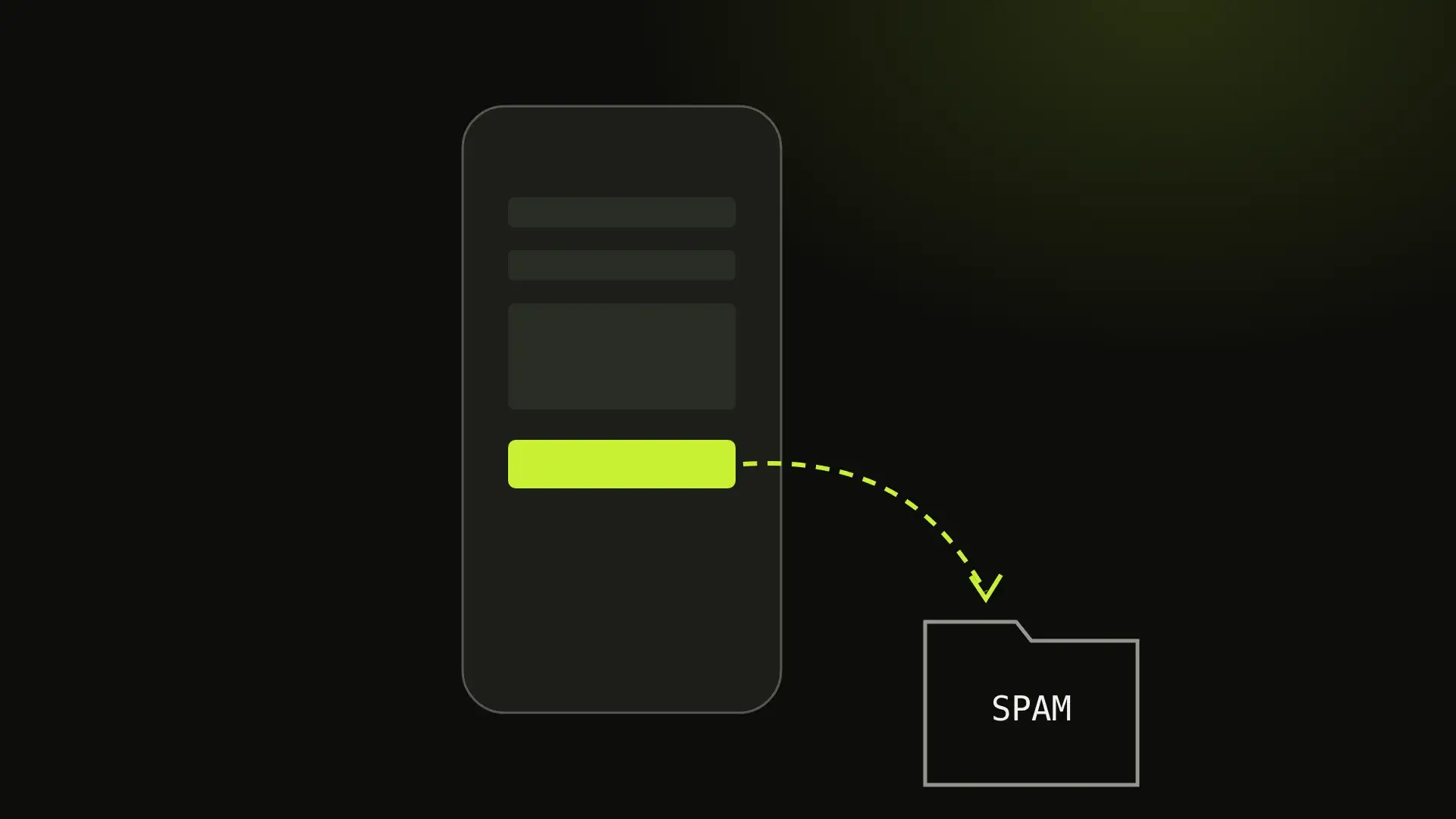
That third one is the quiet killer. A form that sends from a domain with no SPF and DKIM records set up will deliver straight to spam at Gmail and Outlook — the two places your enquiries live. The form appears to work perfectly from the sender’s side. You simply never receive anything, and you have no way to know the difference between “nobody enquired” and “everybody enquired and it all went to spam”.
This is the single most common silent failure we are called about, and it is worth thirty seconds before launch rather than a quarter of wondering why the new site “isn’t generating leads”.
5. The technical floor
These are quick, and they are all cheaper before launch than after:
- HTTPS everywhere, with
http://redirecting tohttps://. - A
robots.txtthat does not block the site. Staging sites are usually set to block all crawlers, and shipping that file to production is a genuinely common way to be invisible on Google for a month. - One canonical version of the domain —
wwwor bare, pick one, redirect the other. Both answering means search engines see two copies of every page. - A sitemap, submitted in Search Console.
- A 404 page that helps — a link home and to your main sections, rather than a dead end.
- Favicon and an OG image, so the tab and the WhatsApp preview don’t show a blank sheet.
6. Legal, briefly
If you run analytics or a contact form, you are collecting data about people, and most jurisdictions expect you to say so. A privacy policy that honestly describes what you collect and why, plus a cookie notice if your analytics sets cookies, is the baseline. This is boring and it is genuinely quick.
What can wait until after launch?
Worth being explicit, because these are what most people actually spend launch week on:
- Perfect copy on every page. You can edit copy forever. Get the pages that convert right; the rest can improve in public.
- Every browser and device tested. Test what your visitors actually use, which your analytics will tell you. Chasing a browser with 0.2% share is time you could spend on the form.
- A perfect performance score on launch day. Speed matters, but it is a thing you tune with real data after launch — which is exactly why we say Core Web Vitals get tuned after launch rather than promised before it. A score measured on one simulated device swings by ten points run to run; the field data that matters needs real visitors, and you do not have any yet.
- Every feature you eventually want. Launch the version that does the main job. The rest is easier to prioritise once real people are using it.
The short version
Before you go live, make sure you own your accounts, your old URLs redirect, your analytics is recording, and a message sent through your contact form reaches a human who can reply. Those four are hard or impossible to repair afterwards.
Everything else is a Tuesday.
If you are somewhere in this and want a second pair of eyes on it, that is part of every web development build we do, and the redirect and Search Console work is the first thing we look at on any SEO engagement — because launching a redesign without it is the most expensive free mistake available.
Written by Ahsan “Max” Faraz, Maxverse Lab
A fixed quote before we start. We reply within 24 hours.